Extension
Use the Pricafy extension with the web app
Install the Pricafy extension in Chrome, pin its icon, and check the real price history of any AliExpress product without leaving the page. Then track it on the website.
4 min read · Updated 2026-09-26
What you'll get
The Pricafy icon is pinned in Chrome. One click on any AliExpress product shows its price history, and you know how to track it for email alerts.
Before you start
- A computer with Google Chrome. The extension doesn't work on phones or in other browsers.
- No account is needed to see prices in the extension. Tracking and email alerts need a free Pricafy account on the website.
On this page
Step by step
Step 1
Install the extension
Install the Pricafy extension in Chrome on your computer. When the install finishes, Chrome opens the Welcome to Pricafy page in your browser's language (English if we don't support it yet).
This page only opens on the first install, not after updates.
Step 2
Pin the icon to the toolbar
Follow Pin the Pricafy icon: click the puzzle-piece icon in Chrome's toolbar, find Pricafy in the list and click the pin next to it.
The Pricafy icon now stays next to the address bar, so it's one click away on every product page.
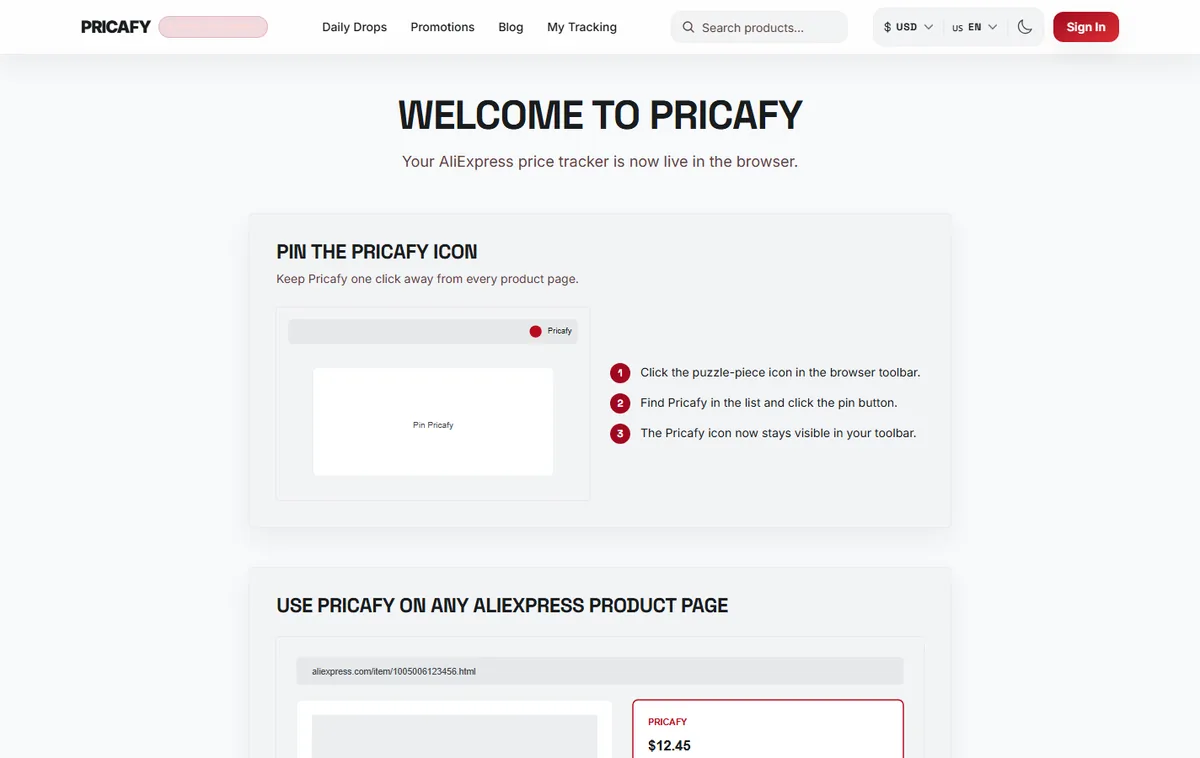
- Pin steps
Step 3
Click the icon on an AliExpress product
Open any AliExpress product page and click the Pricafy icon. A small window opens under the icon. Nothing is added to the AliExpress page itself.
You see the product, three numbers (“Current”, “Lowest” and “Trackers”) and the price history chart, “Lowest tracked price across variants”. Hover the chart to compare any day with today's price. Change “Display currency” and “Display language” at the top of the window.
Step 4
Unlock the chart when it's blurred
The first time you open the window, the chart is shown for free. After that it's blurred. Click “Unlock price chart”: AliExpress opens in a new tab through our affiliate link, and the chart stays unlocked for 7 days.
This unlock only counts inside the extension. The website has its own unlock, which lasts 30 days.
Step 5
Track it on the website
Click “Track in Pricafy”. The product opens on the Pricafy website. There, click Track it free and sign in if asked (see "Track a product and get price-drop emails").
Pricafy then checks the price every 24 hours and emails you when it drops. The extension itself doesn't send alerts.
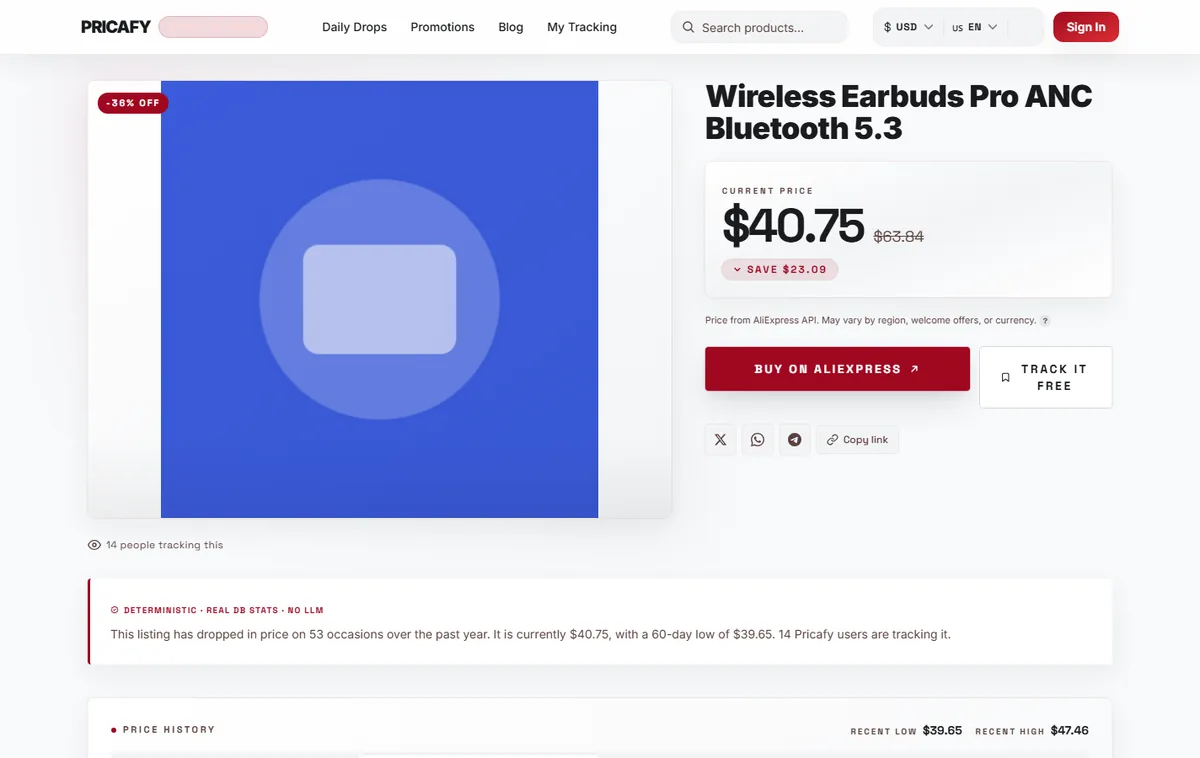
- Track button
Step 6
Find your tracked products
Your tracked products are on your dashboard. Open it with Open your dashboard on the Welcome page, or with “Open Pricafy Dashboard” at the bottom of the extension window.
Read the docs brings you back to this guide.
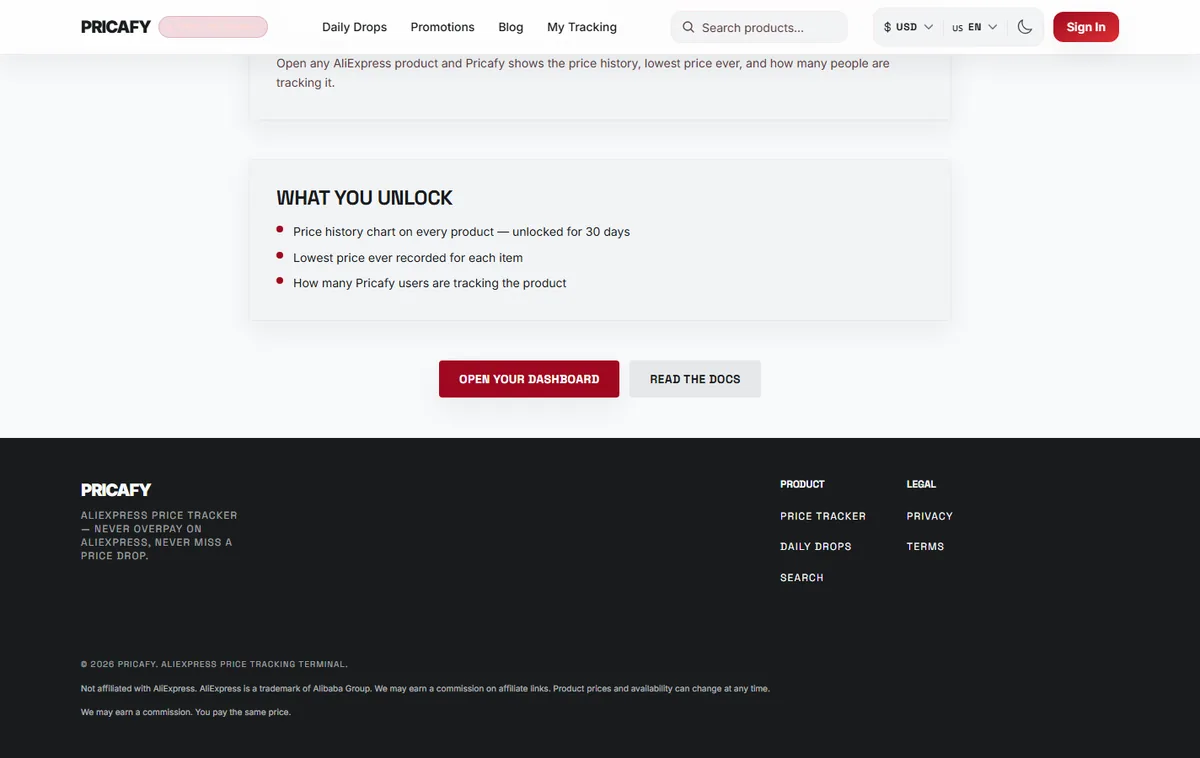
- Open your dashboard button
- Read the docs button


If it didn't work
- The window says “Open an AliExpress product page to see its real price history.”: you're on a search, store or home page. Open a single product and click the icon again.
- “We don't have price data for this listing yet.”: the product is new to Pricafy. Click “Track in Pricafy” to start monitoring it, and check back in a few days.
- “Loading too fast — try again in a moment”: you opened many products in a short time. Wait a moment and click the icon again.
- The chart is unlocked in the extension but blurred on the website (or the other way round): the two unlocks are separate. Unlock the website chart from the product page on Pricafy.
- You clicked Install Pricafy extension at the bottom of the website: that link brings you to this guide.
Frequently asked questions
Do I need to sign in to the extension?
No. The extension works without an account. “Sign in to Pricafy” just opens the sign-in page on the website, where you track products and manage alerts.
What can the extension see?
Only the address of the tab you're on, and only when you click the icon. It sends the product ID to Pricafy to fetch prices. It can't read or change AliExpress pages.
What does “Trackers” mean?
How many people follow the product on Pricafy. Every product starts from a small baseline between 10 and 29, so for new products the number can be higher than the real count.
Is the extension free?
Yes. Pricafy earns a small affiliate commission from AliExpress when you unlock a chart or buy, at no extra cost to you.
Was this article helpful?
Related articles
- What is Pricafy? Web app, extension and Telegram botPricafy tracks AliExpress prices for free. Pick the web app, the browser extension or the Telegram bot — here is what each one does.3 min read
- Create your free Pricafy account and verify your emailSign up with your email and a password, then confirm your address from the email Pricafy sends you. It's free and takes about a minute.3 min read
- Sign in, stay signed in and reset your passwordSign in with your email and password, learn how long Pricafy keeps you signed in, and set a new password if you forgot yours.4 min read
- Find a product by keyword, link or item IDSearch Pricafy by product name, or paste an AliExpress link — short share links included — or an item ID to jump straight to that product's price history.4 min read